Notify users of changed content in the New Content Experience
You can notify learners when content is changed or updated using the New Content Experience (Lessons).
To notify users of updated content
- Navigate to Content.
- Click on the module that contains the topic you want to edit.
- Click the Options (...) menu and select Edit.
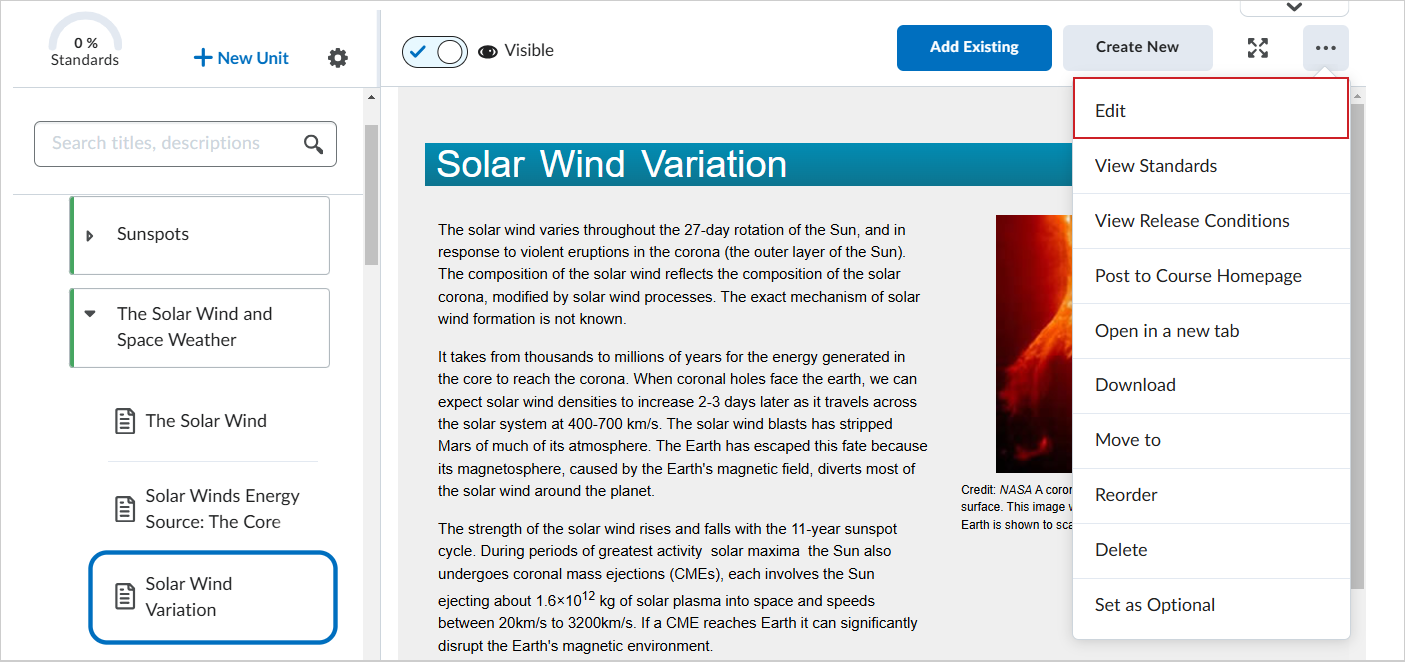
Figure: Click Options (...) and select Edit.
- In the Edit Topic page, make your changes to your topic.
- Click Save and Close.
- In the changed topic, click the Options (...) menu and select Post to Course Homepage.
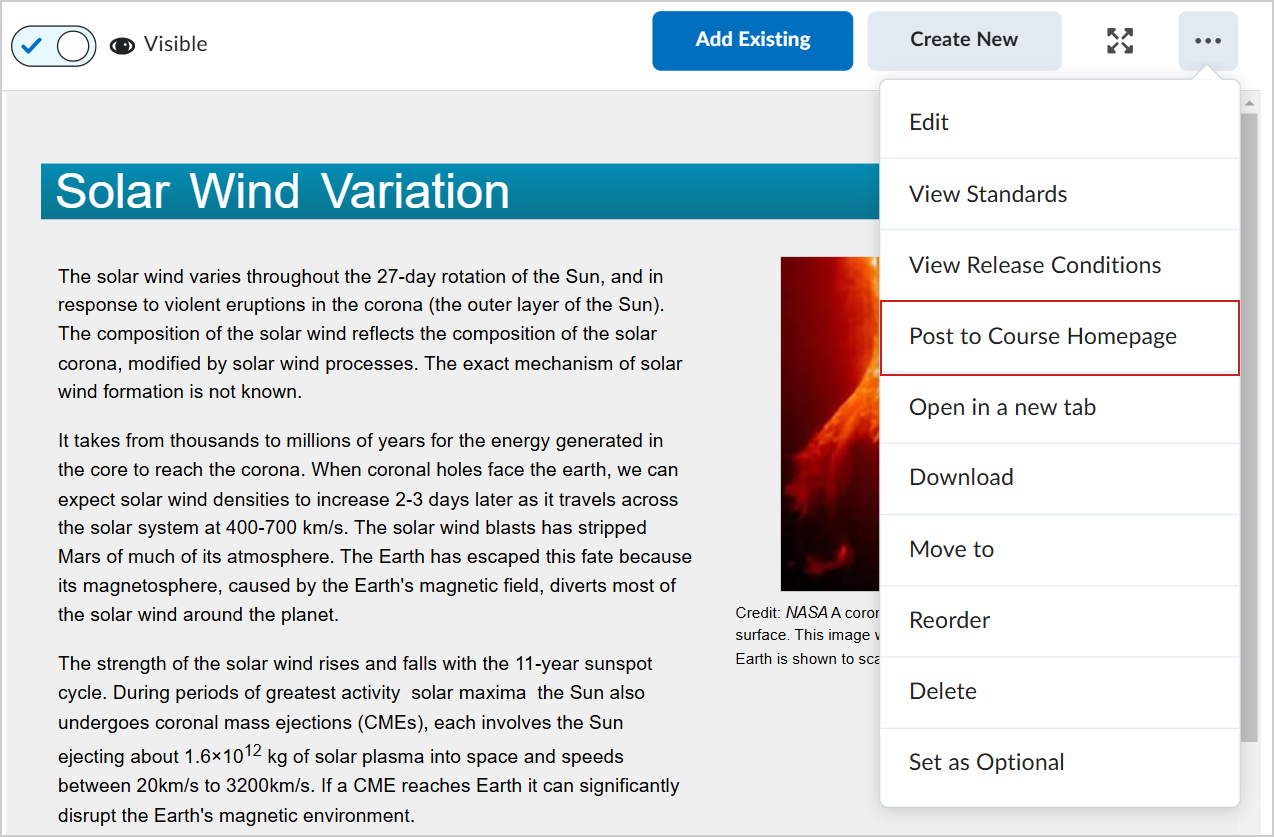
Figure: Click Options (...) and select Post to Course Homepage.
- In the Create a post dialog, enter a message that notifies learners of the changed content.
- Click Post.
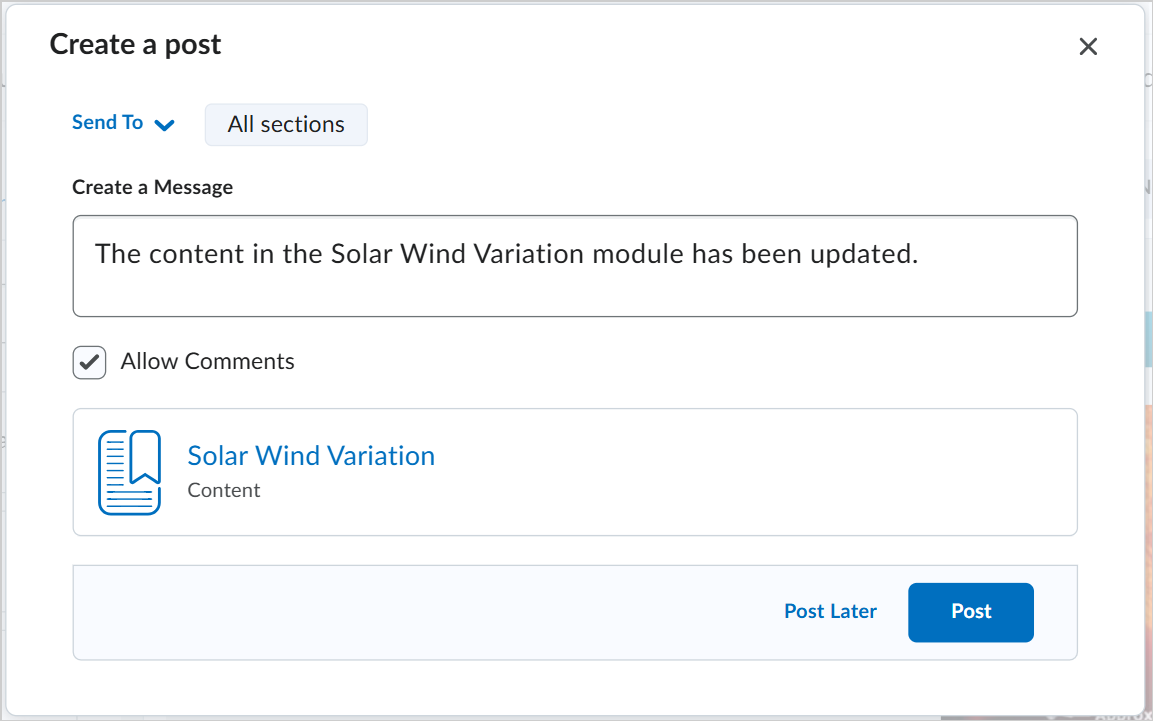
Figure: Use the Create a post dialog to post updates to content.
You have notified learners of your changed content topic.