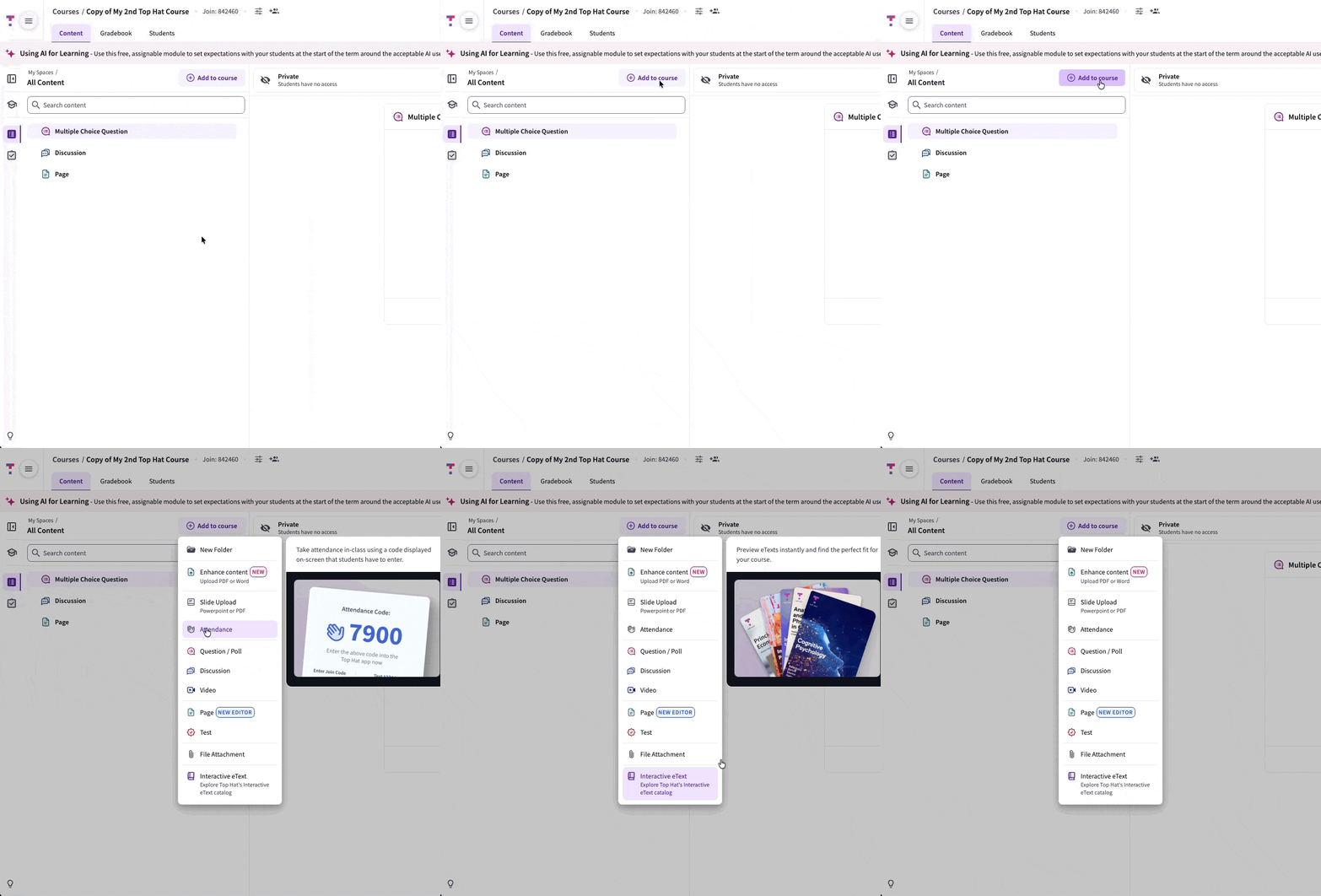
Add content such as Folders, Slides, Pages, and Questions by selecting Add to course and choosing the content type from the dropdown menu.
GIF: Add to Course menu
 GIF: Add to Course menu