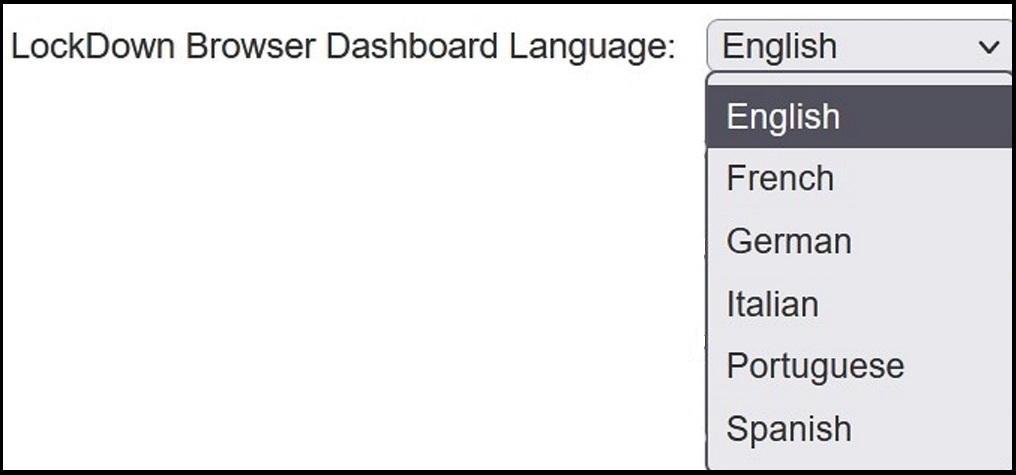
LockDown Browser & Respondus Monitor support multiple languages, including: English, Spanish, French, German, Italian, and Portuguese. This functionality is available for the Windows and Mac editions of LockDown Browser.
Students:
Students can select their desired language in the client browser. Doing so will display a variety of buttons and text in the language they specify, but won't translate the content of web pages. To select a language, click the "i" icon in the LockDown Browser toolbar (a "globe" icon in LockDown Browser for Mac.)
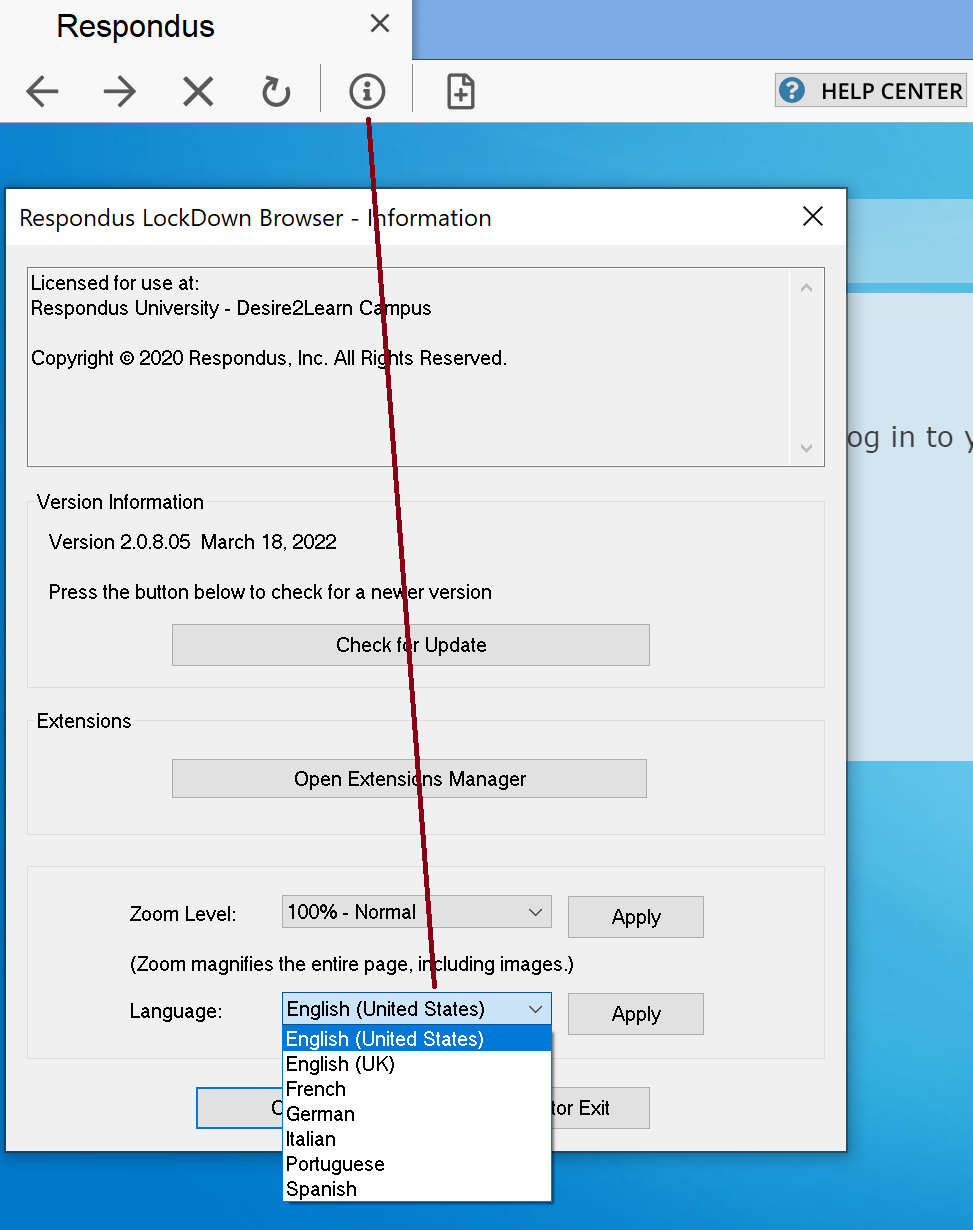
The language selected also gives students access to knowledgebase articles written in that same language, made available by clicking the "Help Center" icon in the LockDown Browser toolbar.

Instructors:
The LockDown Browser Dashboard Tool (used by Instructors) also offers multiple language support. The language used is determined by a setting made in the Respondus Admin Area. Simply modify your Respondus Server Profile, and change the language to your desired setting.