LockDown Browser for Mac is compatible with Accessibility Display preferences you make in your MacOS system preferences.
To change these preferences, choose Apple menu > System Preferences > Accessibility, and then click the "Display" tab.
Set your desired display preferences, and LockDown Browser for Mac will also then use those same settings.
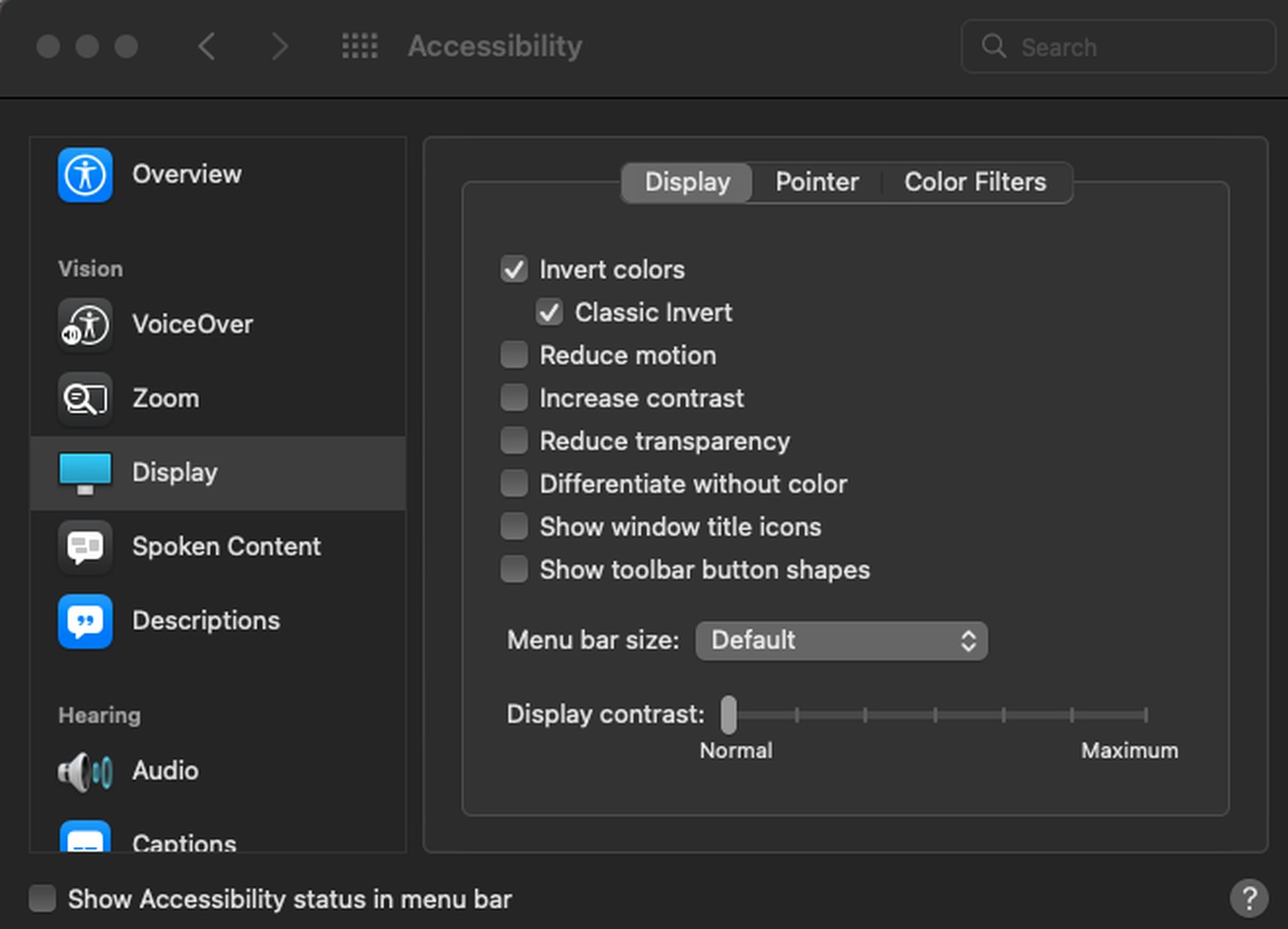
For more information on Mac Accessibility Display, please see this article.