Body
Top Hat Content Spaces—My Course, Course Work, and Assigned for Grades—help students navigate textbooks, assignments, and graded tests efficiently. This guide explains the function of each space to ensure a streamlined and organized learning experience.
Table of Contents
- Content Spaces Overview
- "My Course" Space
- "Course Work" Space
- "Assigned for Grades" Space
Content Spaces
Top Hat provides three distinct Content Spaces, each tailored to specific types of course material and activities:
- My Course: A high-level hub providing an overview of your course and quick access to upcoming tasks.
- Course Work: A dedicated space for in-class materials and review content, such as Interactive Textbook Chapters and Discussions.
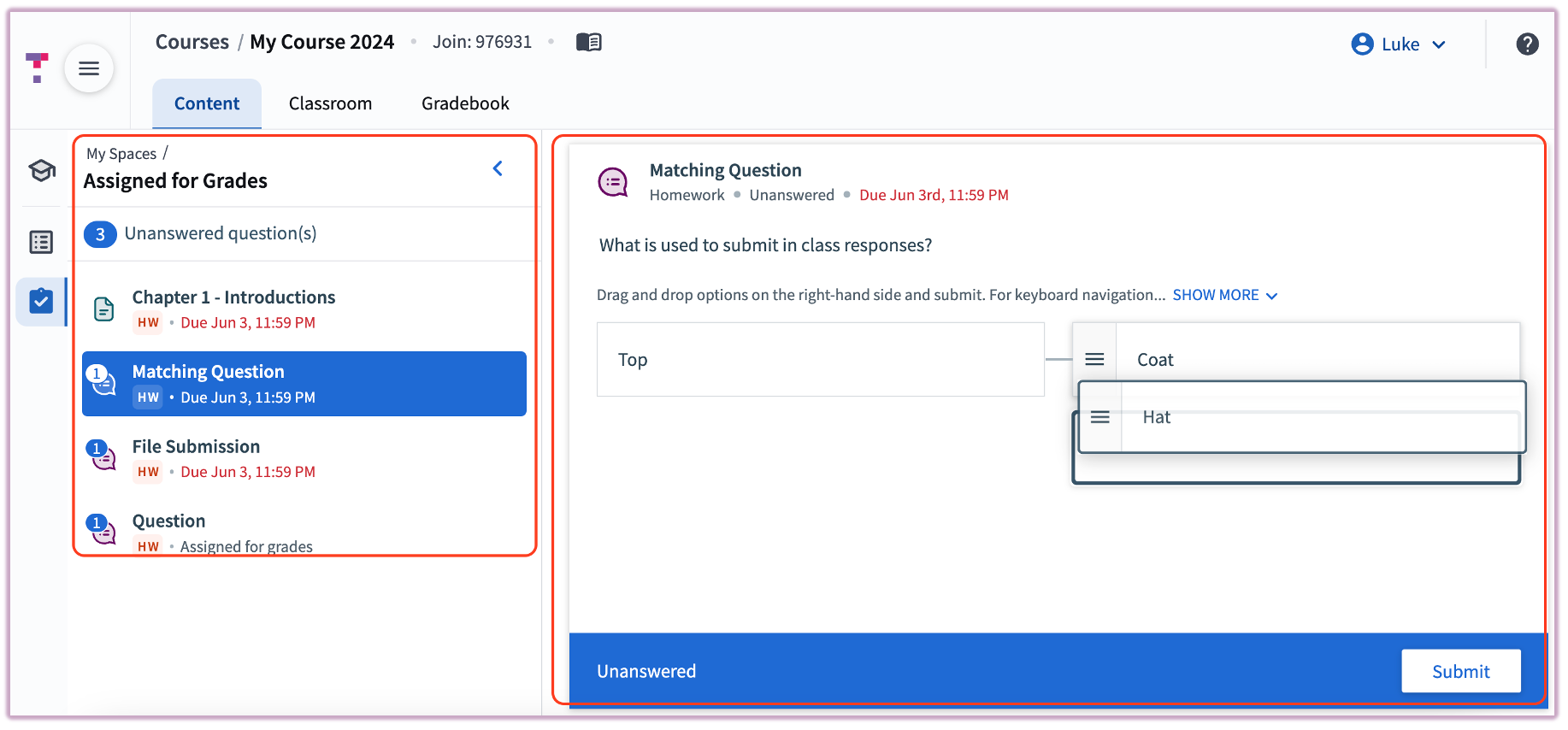
- Assigned for Grades: A specialized space for graded assignments and tests, sorted by priority and due date.
"My Course" Space
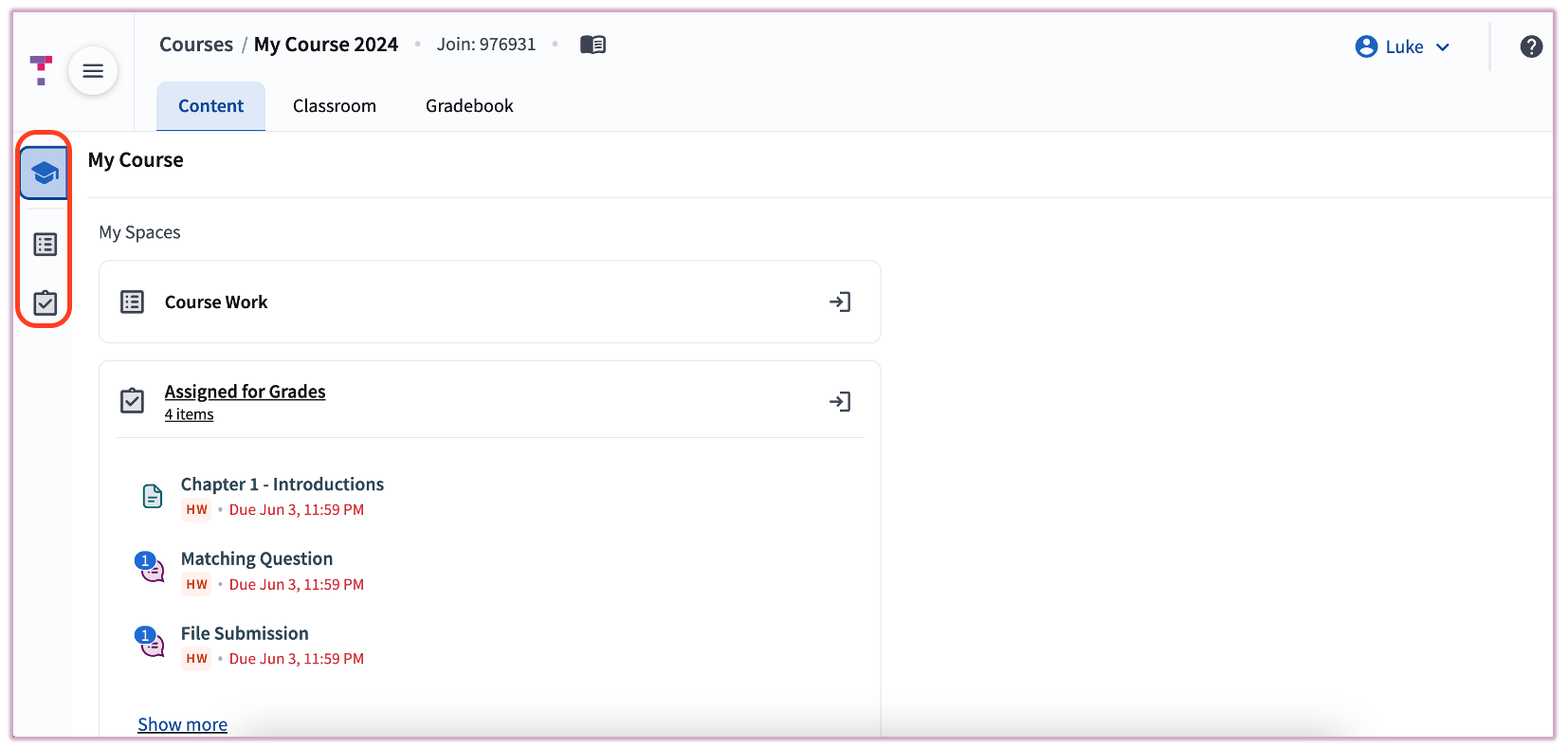
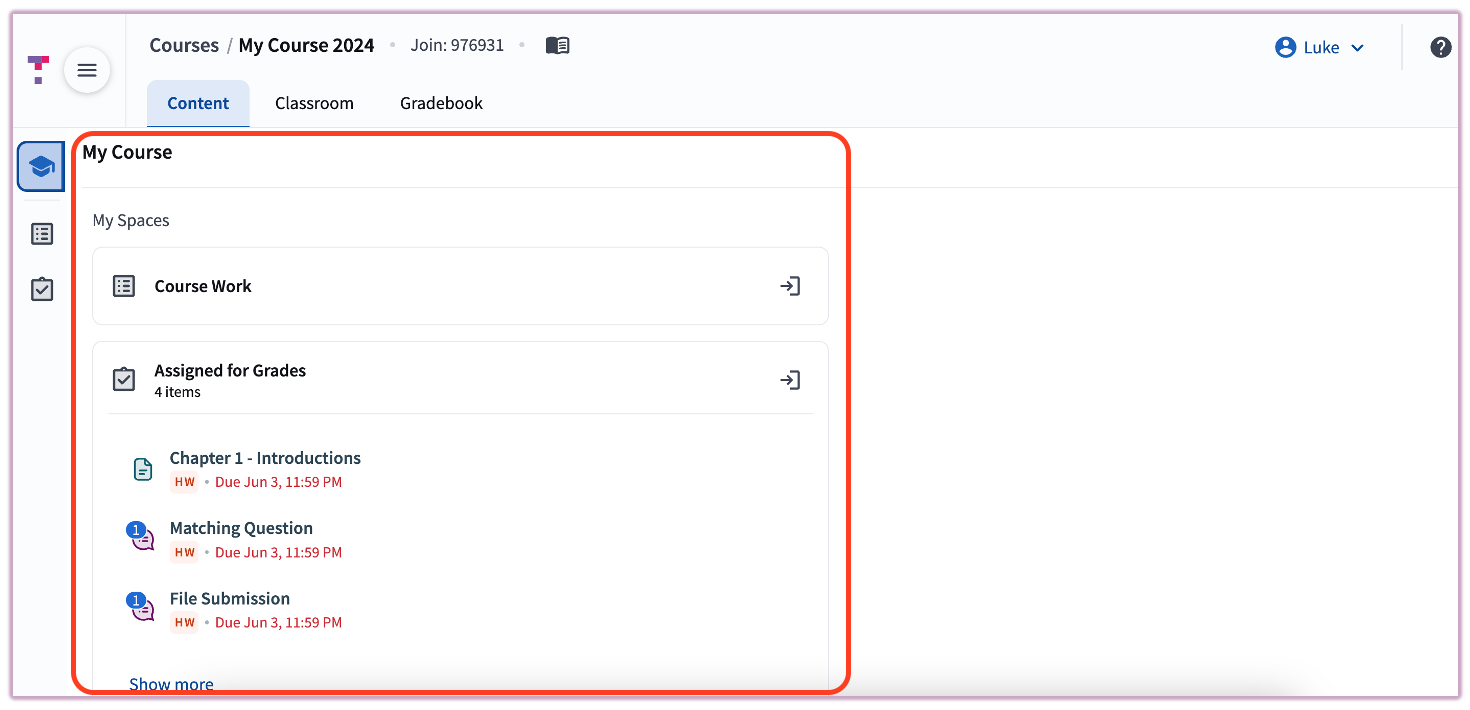
The My Course Space serves as your main dashboard. It highlights urgent items and allows you to jump into other areas of the course quickly.
- Navigation: Use the labeled boxes under "My Spaces" or the icons in the left-hand sidebar.
- Highlights: Displays upcoming Homework and Tests that require immediate attention.
"Course Work" Space
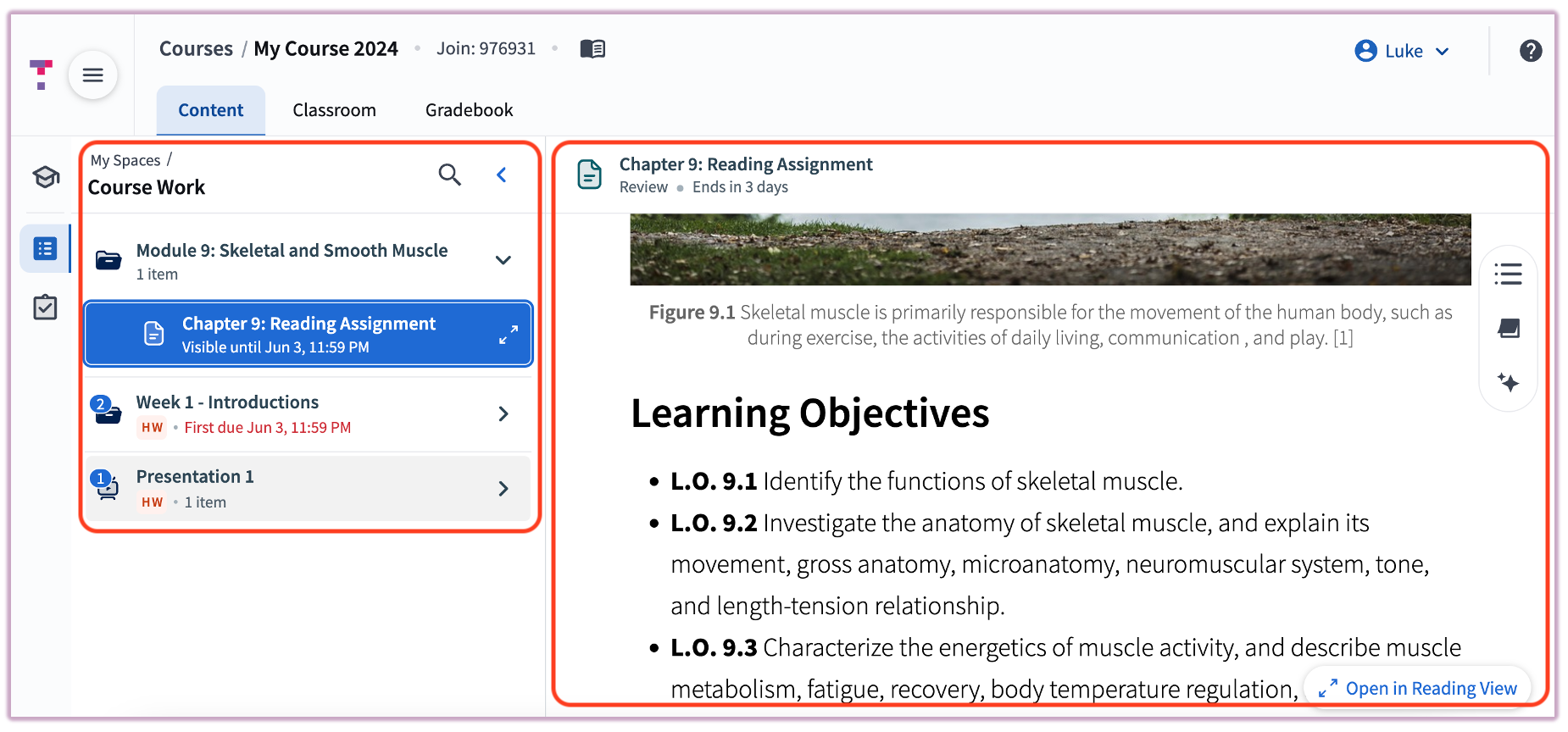
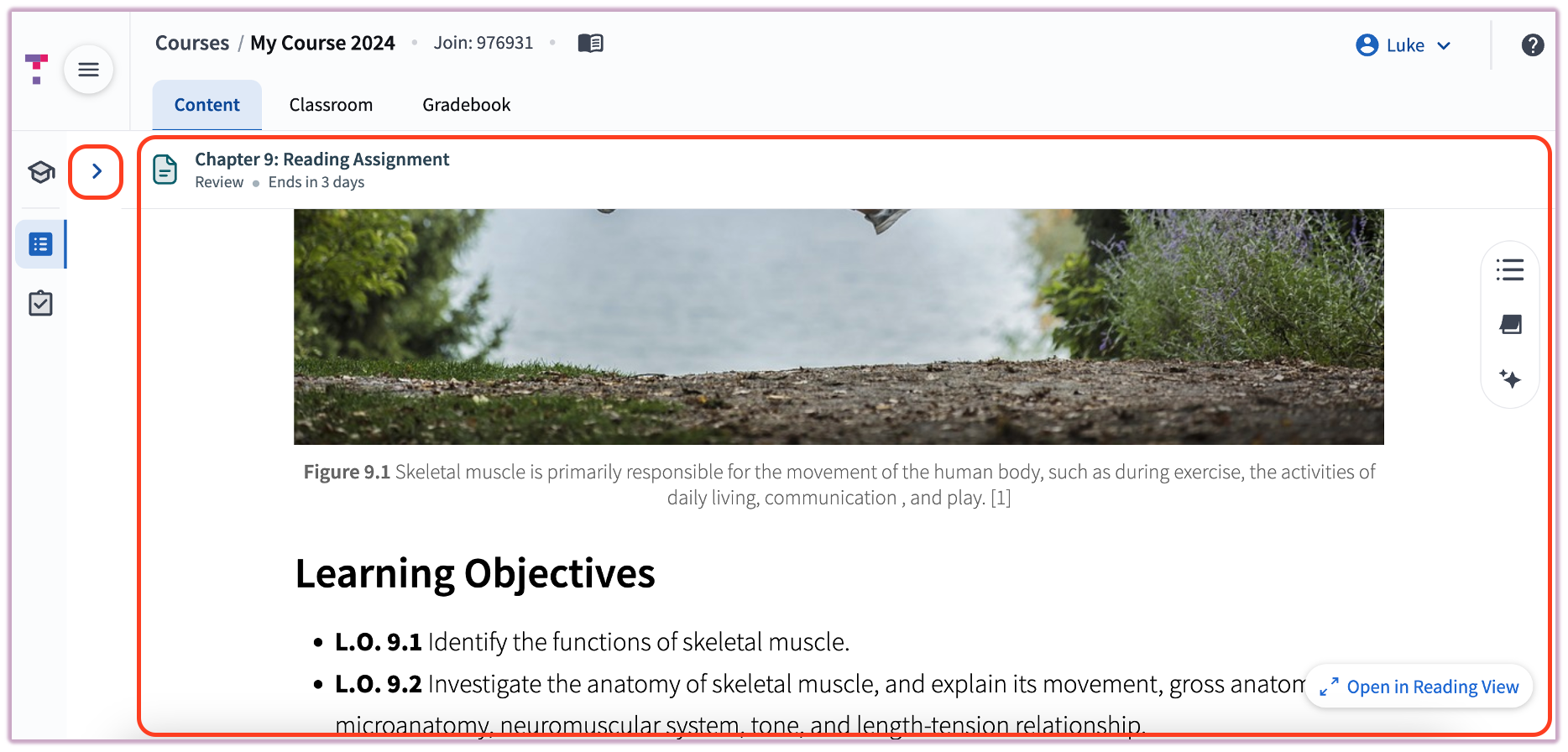
The Course Work Space contains the material currently being presented or assigned for Review. This is where you will engage with textbook content and participation-based items.
- Content: Includes materials set to "Homework" (for participation) or "Review" (for study).
- Visibility: The left-hand content tree can be collapsed to provide a larger reading area for your textbook chapters.
For guidance on completing specific tasks, refer to: Answering Questions and Making a Submission.
"Assigned for Grades" Space
The Assigned for Grades Space is strictly for items that impact your final grade. It is designed to help you prioritize your workload effectively.
- Priority: Tests are pinned to the top of the list for immediate access.
- Sorting: All other assignments are listed by due date, with the most urgent items at the top.
- Status: Displays both currently open assignments and those scheduled for the future.