Body
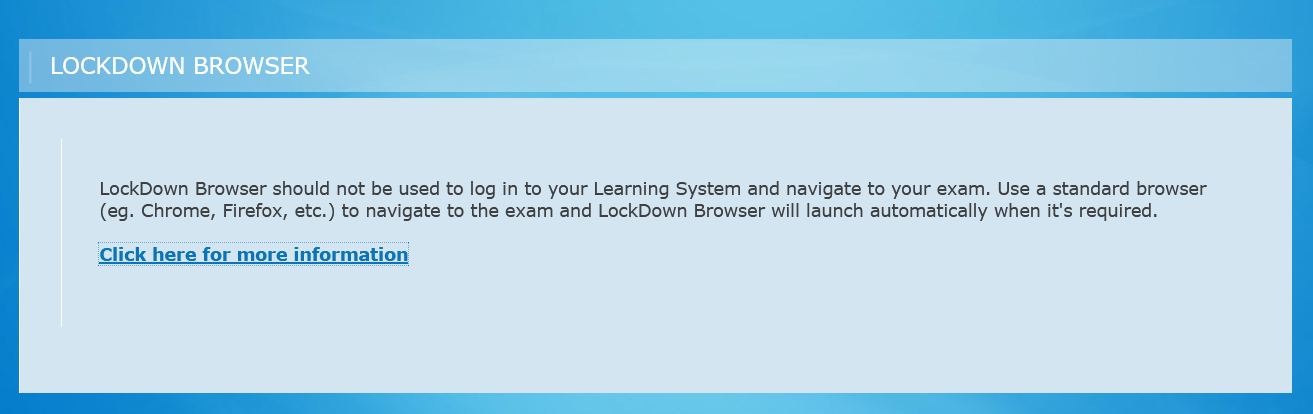
If you see the above message when starting LockDown Browser from a Windows or Mac shortcut, please follow the below steps to take your exam.
1) Use a standard browser such as Google Chrome, Firefox or Safari to access your institution's logon page.
2) Once logged in, navigate to the course, then to the quiz and click on the quiz link.
3) On the next page, look for the "Launch LockDown Browser" button at the bottom.
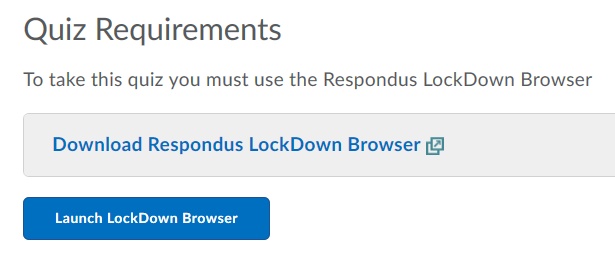
4) Click on that button and then in the pop up that appears, grant the browser permission to open LockDown Browser. For more information on this, see this article.