Body
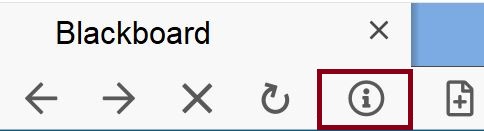
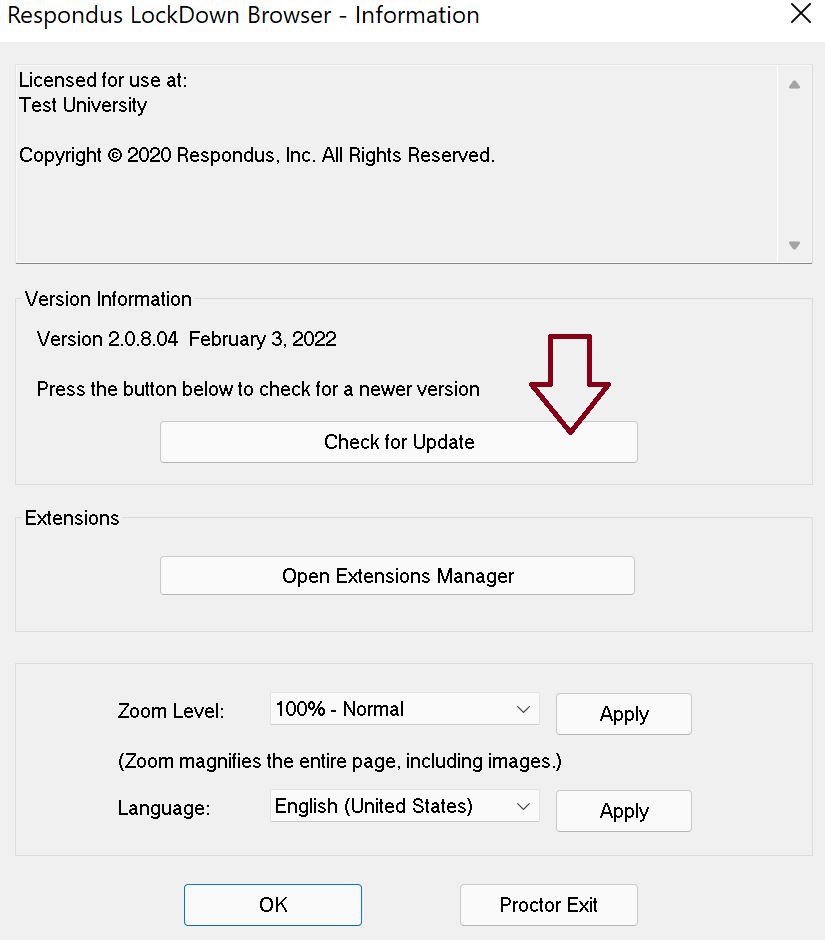
For Windows and Mac users, start Respondus LockDown Browser, select the “i” button from the toolbar, and then click “Check for Update”. The version will be displayed and you will be able to download a newer version if one is available.
You can also update LockDown Browser by downloading and running the full installation program again.