Body
You may have noticed that in certain areas inside Brightspace a border is placed around your embedded Kaltura media.
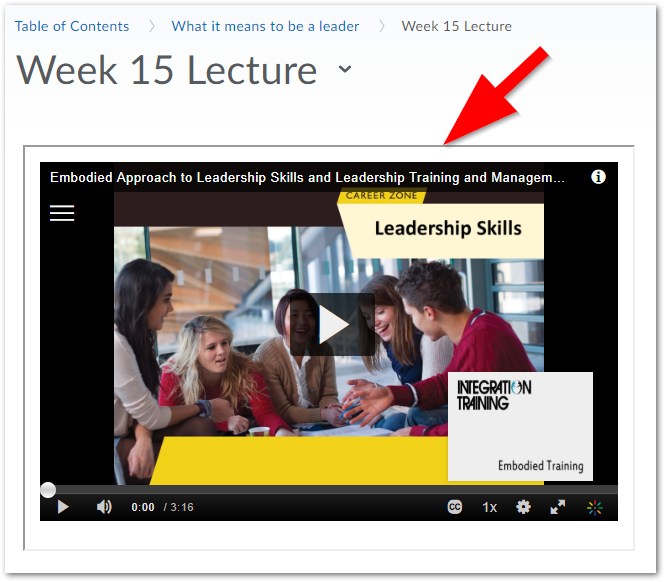 This is a function of how Brightspace is styling content in certain tools within their LMS.
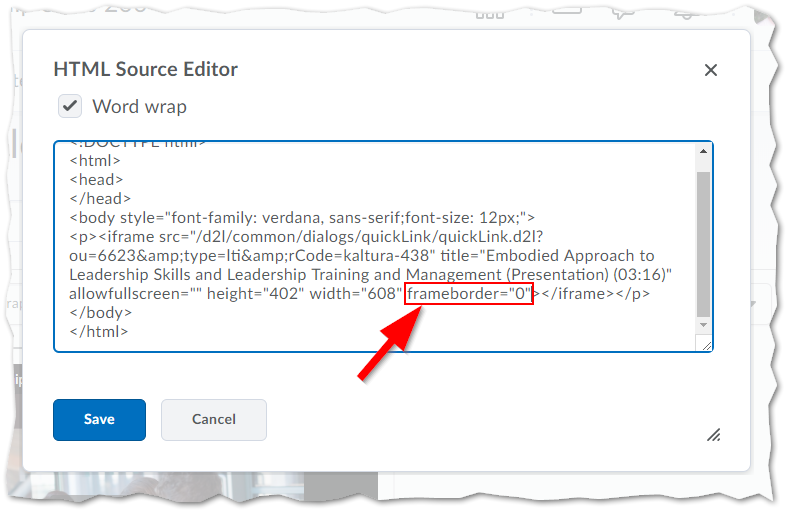
To get around this you can edit the HTML to hide the border. When editing the content, go into HTML mode as seen in the following screenshot, and add frameborder="0" to the iframe attributes.