Body
About
You can allow viewers to download your media in different formats.
- Only the media owner can enable downloads.
- The downloadmedia module must be enabled and configured to allow the appropriate user roles.
Access the downloads settings
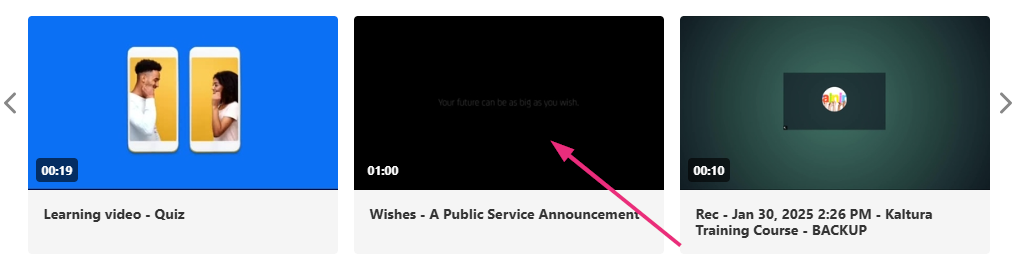
The media page displays.
The edit media page displays.

- Navigate to the entry you want to enable and click on it.
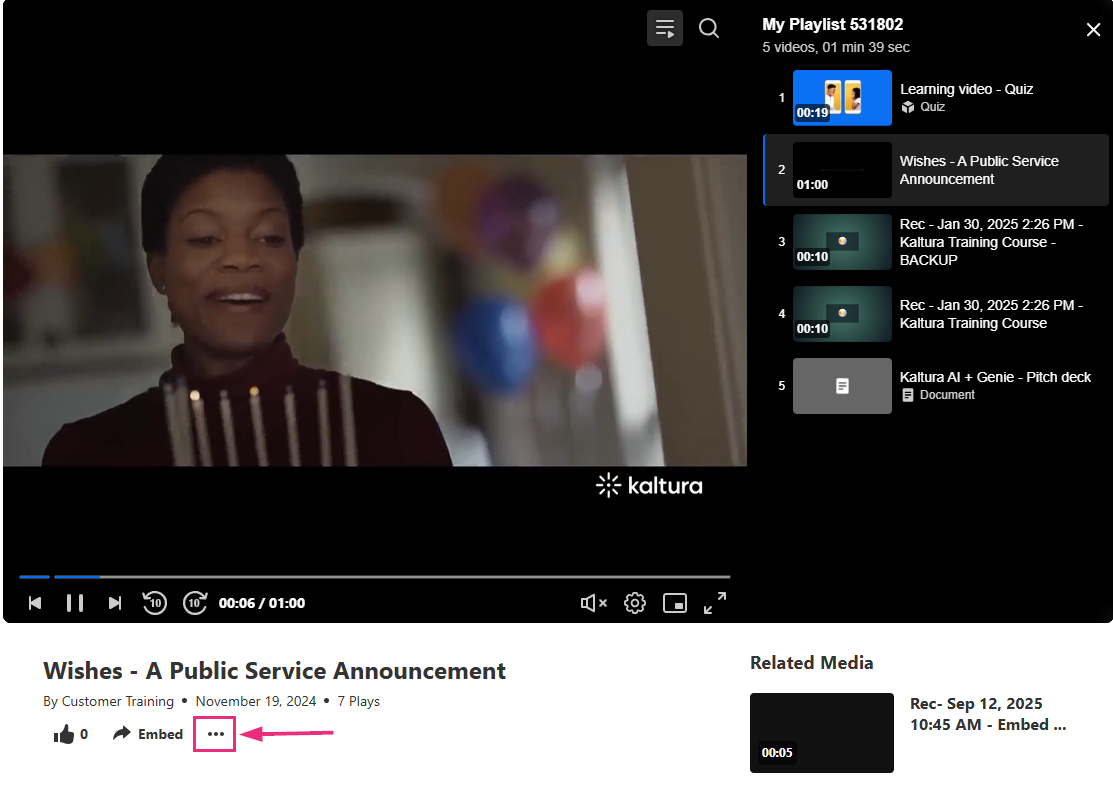
- Click the three dots under the player.
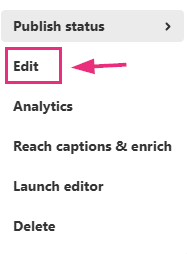
- Choose Edit.
Enable downloading


- On the edit media page, click the Assets tab.
- Toggle on one or more of the available formats in which you'd like users to be able to download (your administrator has already set the formats you can choose from).
- Click Save.
After downloads are enabled, viewers can download media from the media page. For instructions, see Download media.