Body
D2L Lumi Chat
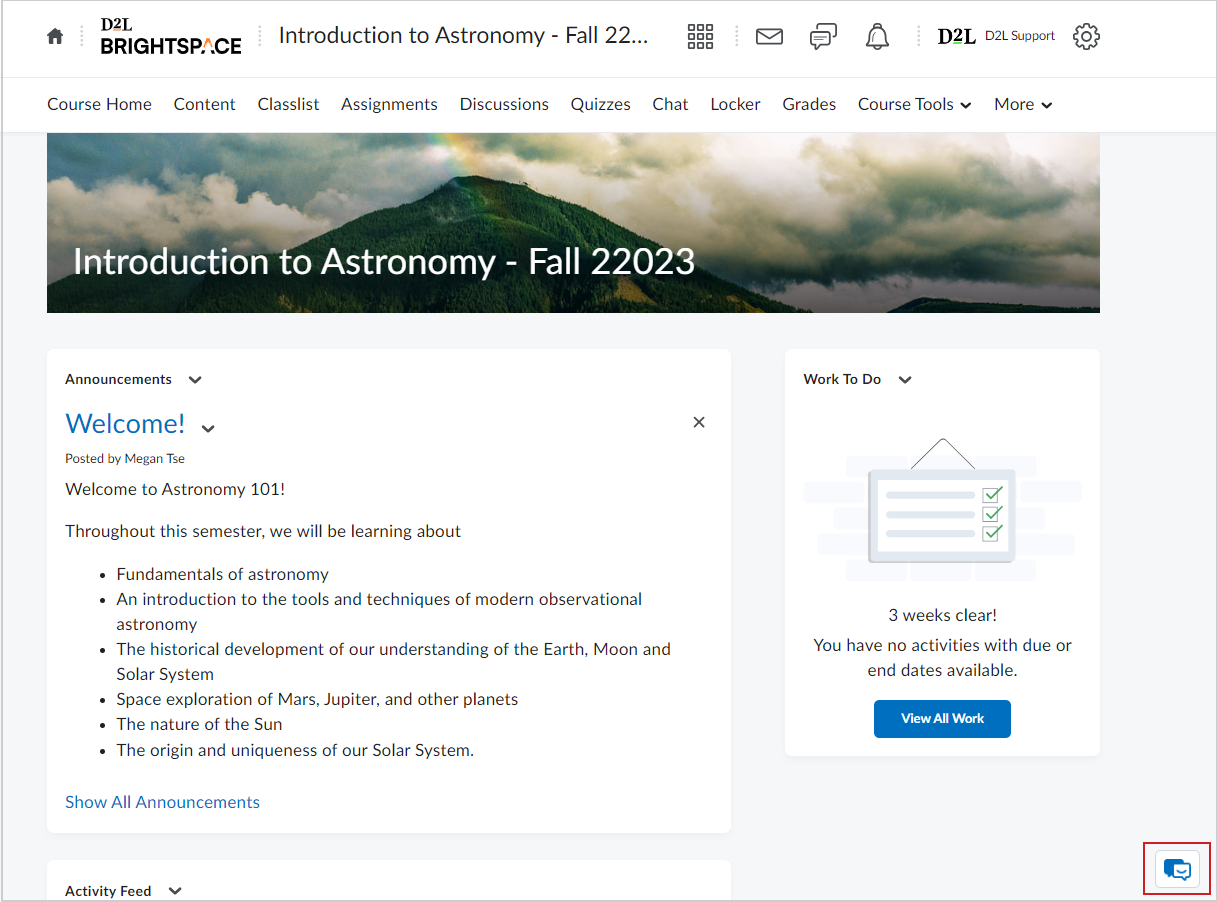
Lumi Chat was built to provide users with the best support experience when using Brightspace. With the addition of the AI tool in the LMS:
- All users have access to Lumi Chat's generative AI answers and help articles from Brightspace Community when asking a question without having to leave Brightspace.
- Administrators can find relevant resources to complete setup tasks with how-to instructions available directly in the corner of Brightspace.
- Instructors can find step-by-step guides and video tutorials on how to set up their courses and its respective activities directly within the product rather than in a new browser tab or window.
- Learners can receive workflow suggestions and find help documentation related to their course issues without having to leave the space where the problem exists, resulting in an overall increase in Brightspace adoption.
If users need more assistance, they can contact a live support agent (EUS Basic and above subscriptions only) directly from Brightspace without seeking D2L End User Support contact information elsewhere.
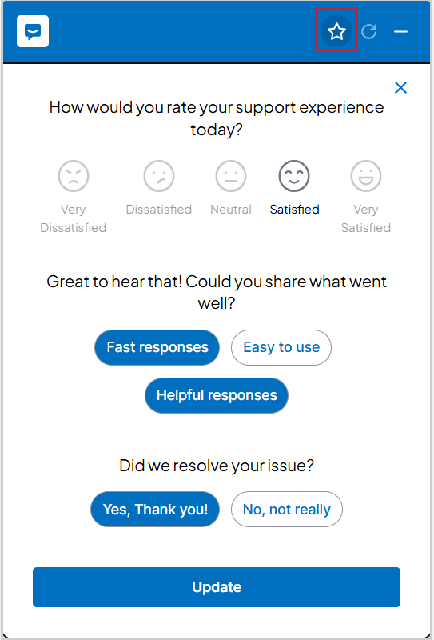
After Lumi Chat responds to your question, you are prompted with a CSAT (Customer Satisfaction) Survey to gather your feedback. The survey is prompted automatically when you close the chat window and is accessible any time through the star icon in the chat. Participation in the survey is optional.
 |
Note: The options for contacting support are dependent on an organization's package. Users may see different options than the ones listed above. Different packages show the following options:
- Lite: No options for contacting support
- Basic: Email and chat
- Standard and Branded: Email, chat, and phone
|
D2L Lumi Chat Intermediate and Advanced
D2L Lumi Chat Intermediate and Advanced expand the capabilities of Lumi Chat beyond Brightspace to include other approved institutional repositories. This allows institutions to connect their Assistant to multiple content sources such as SharePoint, Google Sites, intranets, and video libraries.
D2L Lumi Chat Intermediate and Advanced offer multi-source content integration, allowing Lumi Chat to deliver answers from both Brightspace and approved institutional repositories for a unified AI-powered support experience. Administrators have custom indexing controls to manage which repositories are included, ensuring only authorized and relevant content is accessible.
Search results appear directly within the Lumi Chat interface, with links back to Brightspace or the original repository, providing a consistent and contextual experience for learners and instructors.
While this feature expands the knowledge base available to Lumi Chat, it does not introduce tutoring or grading functionalities.
|
Note: Lumi Chat is available to all organizations that have subscribed to D2L's End User Support (EUS) packages. Contact your D2L Account Team for more information on the EUS packages. |
Language Support in Lumi Chat
Lumi Chat is available in the following four EUS-supported languages:
- English
- French (CA)
- Spanish (LATAM)
- Portuguese (BR)
The Language and Locale setting in a user's profile determines the language of Lumi Chat’s output messages, the language of the surfaced support articles, and the language of the support received for any chosen channel (phone, email, chat).
|
Note: If a user’s chosen Language and Locale is not one of the four languages available in End User Support, the default language offered in Lumi Chat is English. |
Visibility of Lumi Chat
Lumi Chat is available throughout Brightspace except for the following pages:
- LTI/ Third Party Tool Integrations
- Full Screen Pages in Content and Media Player
It is also possible to hide Lumi Chat during live quiz attempts using the d2l.Settings.Forethought.HideInQuizAttempts configuration variable. However, it may be beneficial if a learner experiences a technical problem and cannot proceed with their activity. Lumi Chat does not have internet search functionality and thus cannot provide answers to any question beyond tasks in Brightspace.
|
Note: The decision to hide Lumi Chat during quiz attempts must be made during the deployment process. |
Video: Lumi Chat
D2L Lumi Feedback
D2L Lumi Feedback is an AI-Assisted Grading Workflow that integrates with Brightspace Assignments to analyze learner submissions against instructor-provided rubrics or grading criteria. It generates draft scores and personalized feedback for instructor review.